
What Are Digital Products on Etsy (And Why You Should Be Selling Them)
Before we dive into the list, let’s quickly cover why digital products to sell on Etsy are one of the smartest ways to earn online in 2025.
When a customer buys a digital product from your Etsy shop, the file downloads to them automatically. You create the product once, list it, and every future sale is pure profit — no inventory, no shipping, no restocking. Minus your small Etsy listing fee, the money goes straight to you.
That means:
- No profit margins to worry about — unlike physical products, your cost to fulfill is $0
- Sell 24/7 from anywhere — even while you sleep
- Scale infinitely — one listing can generate thousands of sales
- Beginner friendly — no design degree or coding background required
The key is knowing which digital products are actually selling. That’s exactly what this article covers.

1. Google Sheets Templates — The Most Underrated Digital Product on Etsy
Best for: Finance, productivity, meal planning, content creation
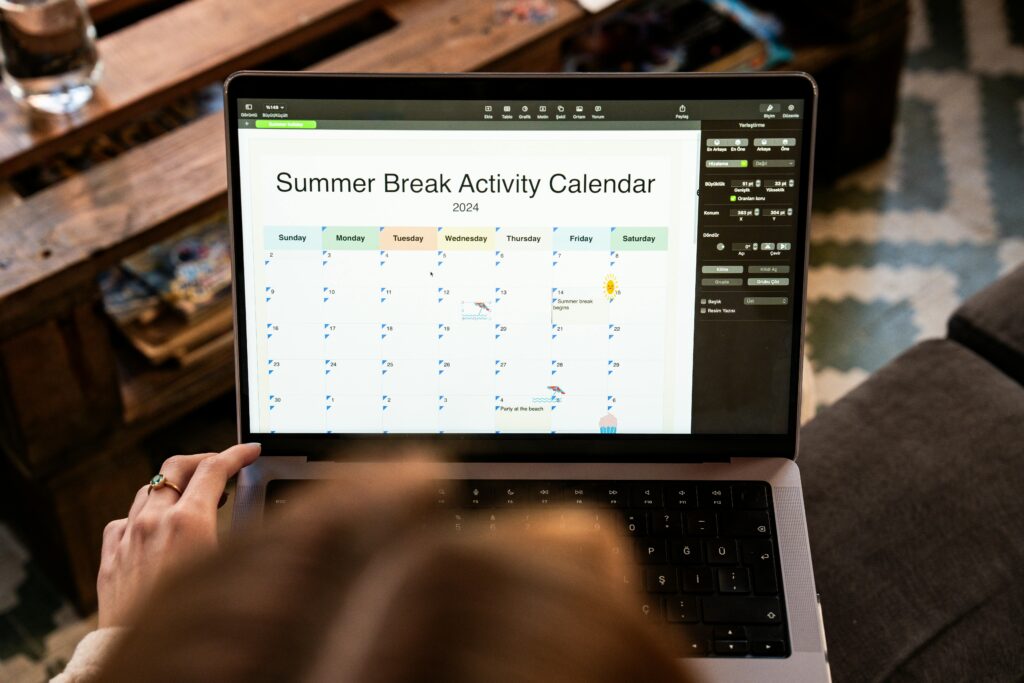
If you’re looking for a digital product that is consistently in demand, underrated, and incredibly profitable — Google Sheets templates should be at the top of your list.
What Sells Best
- Budget trackers and annual finance planners
- Meal planners and macro/nutrition trackers
- Content calendars and social media planners
- Project management spreadsheets
Real Revenue Data
One Etsy seller listed a single Ultimate Annual Budget Spreadsheet for Google Sheets — priced at just $10 — and generated over $378,000 in one year from that single listing alone.
Another seller launched a meal planning template for $12. Within the first month, they had already earned over $1,000 in revenue, with 200+ views in a single 24-hour window.
A content planning template priced around $10 had been live for 8 months and had already generated $8,000 — roughly $1,000 per month consistently.
How to Create Google Sheets Templates
- Open Google Sheets or Microsoft Excel
- Design your template with formulas, formatting, and tabs
- Test it thoroughly
- Save it as a shareable Google Sheets link or downloadable file
- List it on Etsy as a digital download
You can also use ChatGPT or any AI tool to help you build out formulas and layout if you’re new to spreadsheets.
Pro Tip: The more value you pack into your template (more tabs, more automation, more features), the higher you can price it — and the better it converts.
2. Digital Assets for Online Sellers — Clip Art, Mockups & SVG Bundles
Best for: Artists, illustrators, designers, print-on-demand sellers
This is one of the most overlooked categories of digital products to sell on Etsy, and the market is massive. Other Etsy sellers and online business owners are constantly looking to buy ready-made digital art to use in their own shops and projects.
What Sells Best
- Watercolor and hand-drawn clip art (commercial license)
- Mockup photo bundles for product listings
- SVG cut files for Cricut and Silhouette machines
- PNG design bundles for print-on-demand
- Pre-made design templates
Real Revenue Data
One Etsy seller who has been on the platform for just one and a half years has generated $97,000 selling digital clip art — mostly small, affordable bundles bought by other creators.
A mockup bundle seller — offering templates that help other Etsy sellers photograph their products — earned $130,000 in a single year, with their main listing generating around $6,000 per month.
Important: Commercial Licensing
When selling digital assets that others will use in their own products, always clearly state in your listing whether commercial use is included. Buyers specifically search for “commercial license” — and including it makes your product significantly more valuable.
How to Get Started
- Draw your art digitally using Procreate, Adobe Illustrator, or Canva
- Export as PNG, SVG, or both
- Bundle related designs together to increase perceived value
- Be specific in your listing title (e.g., “Watercolor Floral Clip Art PNG Commercial License”)
3. Notion Templates — The Highest-Priced Digital Download on Etsy
Best for: Productivity enthusiasts, planners, niche audiences (students, nurses, coaches, ADHD community)
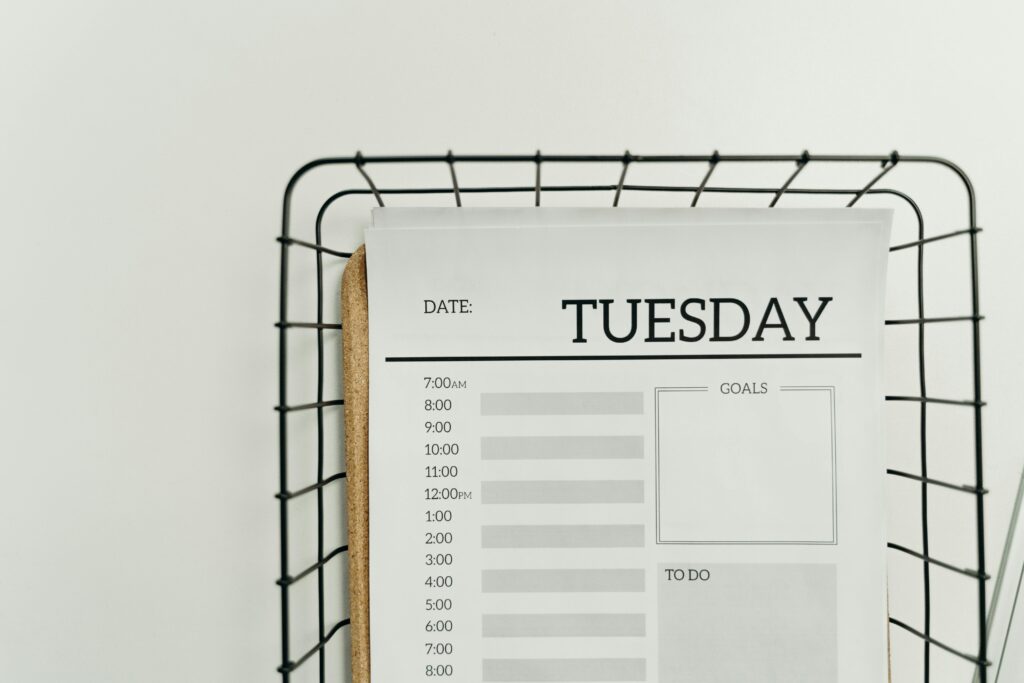
If you want to sell a premium digital product on Etsy that commands $25–$50 per sale, Notion templates are your best bet. These are customizable productivity dashboards built inside the free Notion app, and demand for them is exploding.
What Sells Best
- ADHD planners and focus tools
- “It girl” aesthetic life planners
- Language learning trackers
- Business and social media dashboards
- Book trackers and reading journals
- Niche-specific tools (nurses, teachers, students, coaches)
Real Revenue Data
- An ADHD Life Planner has been on Etsy for 2 years and surpassed $105,000 in total revenue, generating around $600 per month at $25 per sale
- An Ultimate Life Planner with a trendy “it girl” cherry aesthetic generated $53,000 in just one year, priced at around $27 (often listed on sale at $9)
- Social media Notion dashboards are one of the fastest-growing subcategories
Why Notion Templates Are Special
The higher price point means you need far fewer sales to hit your income goals. At $35 per sale, just 3 sales a day = over $3,000/month from a product you built once.
How to Create a Notion Template
- Sign up for a free Notion account at notion.so
- Build your template (there are hundreds of free YouTube tutorials)
- Click “Share” → enable “Allow duplicate as template”
- Sell the shareable link on Etsy as a digital download
4. Canva Template Bundles — Perfect for Business Owners and Brides
Best for: Designers, social media managers, people who love Canva
Canva template bundles are one of the most beginner-friendly digital products to sell on Etsy because chances are, you already use Canva. You can create beautiful, professional templates without any prior design experience — and people are paying real money for them.
What Sells Best
- Wedding planner templates (massive demand for 2026 and 2027 weddings)
- Social media post bundles (Instagram, Pinterest, Facebook)
- Branding kits for small businesses
- Real estate agent templates (questionnaires, presentations, buyer/seller guides)
- Business card and pricing guide templates
- Airbnb listing templates
Real Revenue Data
One seller’s Canva Wedding Planner template, priced at just $3.60, generated $77,000 in total sales, with around $4,000/month consistently.
A real estate agent Canva template bundle — priced at $50 — had 10 people add it to their cart within 24 hours of being checked, and generated $9,000 in revenue in just 8 months.
For the “wedding planner template” search term overall, top listings are earning $5,000–$9,000 per month — making it one of the most profitable niches on the platform.
How to Sell Canva Templates on Etsy
- Create your template in Canva
- Go to Share → Template link to generate an editable copy link
- Deliver the link as your digital download file
- List it on Etsy with clear mockup images showing what’s included
Niche Ideas to Explore: Chef menus and business cards, hair stylist pricing guides, dog walker social media kits, photographer client welcome packets. Every small business is a potential buyer.
5. Crochet Patterns — A Niche Goldmine That’s Trending Right Now
Best for: Crafters, knitters, crochet artists, pattern designers
This one might surprise you — but crochet patterns are one of the hottest trending categories for digital products on Etsy right now. New listings are picking up “Popular Now” and bestseller badges within weeks of going live, which signals that Etsy’s algorithm is actively pushing this category.
What Sells Best
- Amigurumi animals (bees, bunnies, turtles, frogs)
- Seasonal characters (holiday-themed plushies)
- “Bestie” sets and matching character collections
- Beginner-friendly patterns with video tutorials included

Real Revenue Data
- A “Besties Collection” crochet pattern — live for 10 months — has earned $130,000 in revenue. Yes, from selling PDF crochet instructions.
- A jumbo turtle pattern has generated $18,000/month
- A single bee crochet pattern earned $15,000 in just 3 months
- A bunny rabbit pattern generated $4,000 in its first 3 months online
Why This Category Is Hot
The crochet and amigurumi communities are extremely active on TikTok and YouTube, driving consistent traffic to Etsy. Many buyers are hobbyists who love discovering new patterns, and because the products are so cute and affordable, impulse purchases are common.
How to Sell Crochet Patterns on Etsy
- Create your pattern with clear written instructions and photos
- Include a stitch count, materials list, and difficulty level
- Add a video tutorial if possible — listings with videos convert significantly better
- Export as a PDF
- List on Etsy as a digital download with cute lifestyle photos of the finished product
How to Find What’s Actually Selling on Etsy (The Tool Behind This Data)
All of the revenue numbers in this article came from Profit Tree, a Chrome extension for Etsy research. It shows you:
- Estimated monthly and total revenue for any listing
- How old a listing is
- How many people have an item in their cart right now
- How many people have viewed a listing in the last 24 hours
- A “demand badge” system to spot trending products before they peak
This kind of data is invaluable if you’re trying to identify profitable niches before jumping in. You can use it to validate product ideas before spending time creating something — and to spot trends on the way up.
Can You Add Digital Products to an Existing Etsy Shop?
Yes — and you should.
A common concern among Etsy sellers is that mixing niches will hurt their shop’s performance. Here’s the truth: Etsy promotes your individual listings based on their own SEO and relevance. Your listings are shown to buyers searching for that specific item, regardless of what else is in your shop.
This means:
- A soccer mom niche shop can list a nurse Notion template — and Etsy will show it to nurses
- A print-on-demand shop can sell their designs as digital downloads to other POD sellers
- A crochet pattern seller can add a Canva branding kit for crafters
The bottom line: if you have an existing shop that isn’t hitting consistent sales yet, adding trending digital products is one of the smartest moves you can make.
Final Thoughts: Which Digital Product Should You Start With?
Here’s a quick summary to help you choose:
| Product | Difficulty | Price Range | Earning Potential |
|---|---|---|---|
| Google Sheets Templates | Beginner | $10–$15 | Very High |
| Clip Art & Mockups | Intermediate | $3–$10 | High |
| Notion Templates | Beginner–Intermediate | $25–$50 | Very High |
| Canva Template Bundles | Beginner | $3–$50 | Very High |
| Crochet Patterns | Niche Skill | $5–$15 | High + Trending |
The best digital product for you is the one that matches a skill or interest you already have — because the time you invest creating it will be paid back many times over once it starts selling.
Pick one. Learn the tools. Build it. List it.
Your future self will thank you.
Have questions about getting started with digital products on Etsy? Drop them in the comments below.
